Screenshots
Main view
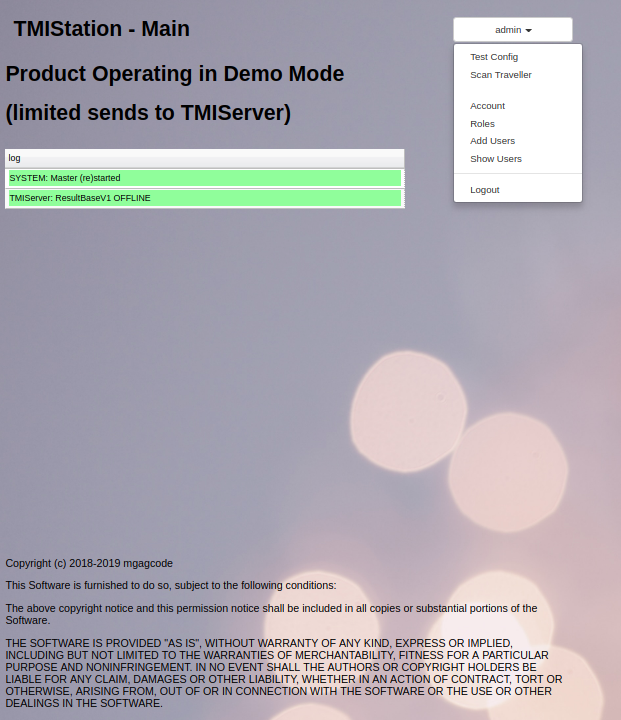
Shows a log of TMIStation status, the Software License, and the menu options for Admin user.
Test Config view
Simple (No Variables) Script
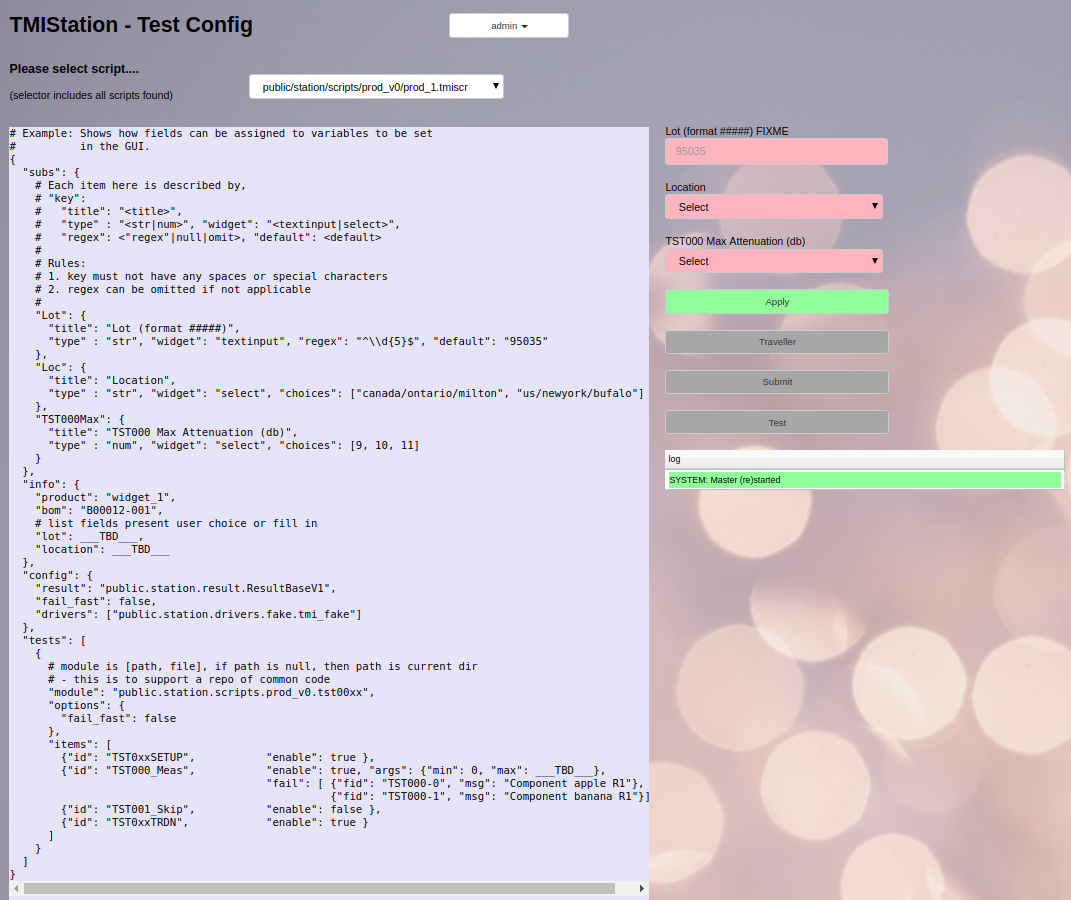
- A pull down dialog box allows the user to pick which script to run
- The script is shown on the left. The script cannot be modified with TMIStation
- The script is a JSON format text file, with the exception that lines begining with # are comment lines
- This script example has no user configurable variables

Variables Script
- This script is an example of a script with user configurable variables
- On the right side, there are (red) fields which need to be filled in
- The fields are validated by pattern checking
- fields can be text input
- fields can be pull down selections
Test View
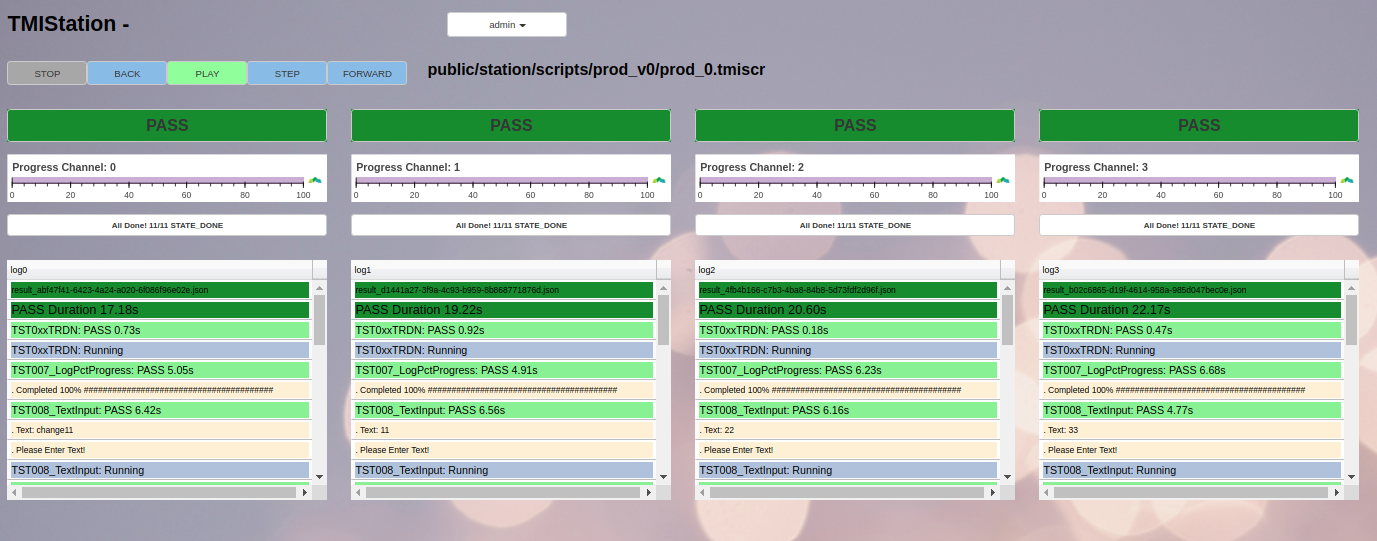
- The result after 4 channels of the demo script have finished
- For each channel a log table is shown